
A Distribution Management System that works for you.

GET A DEMO
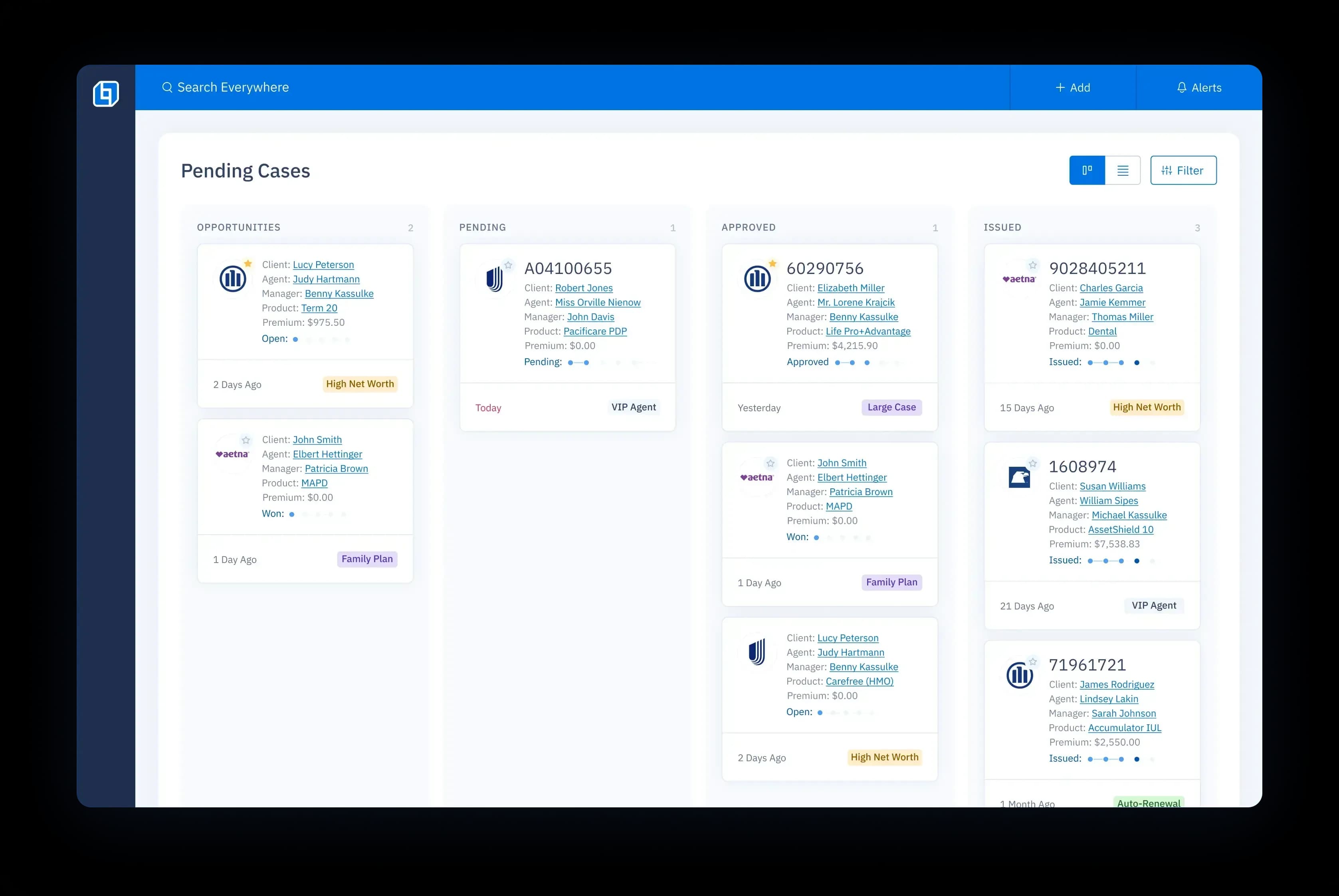
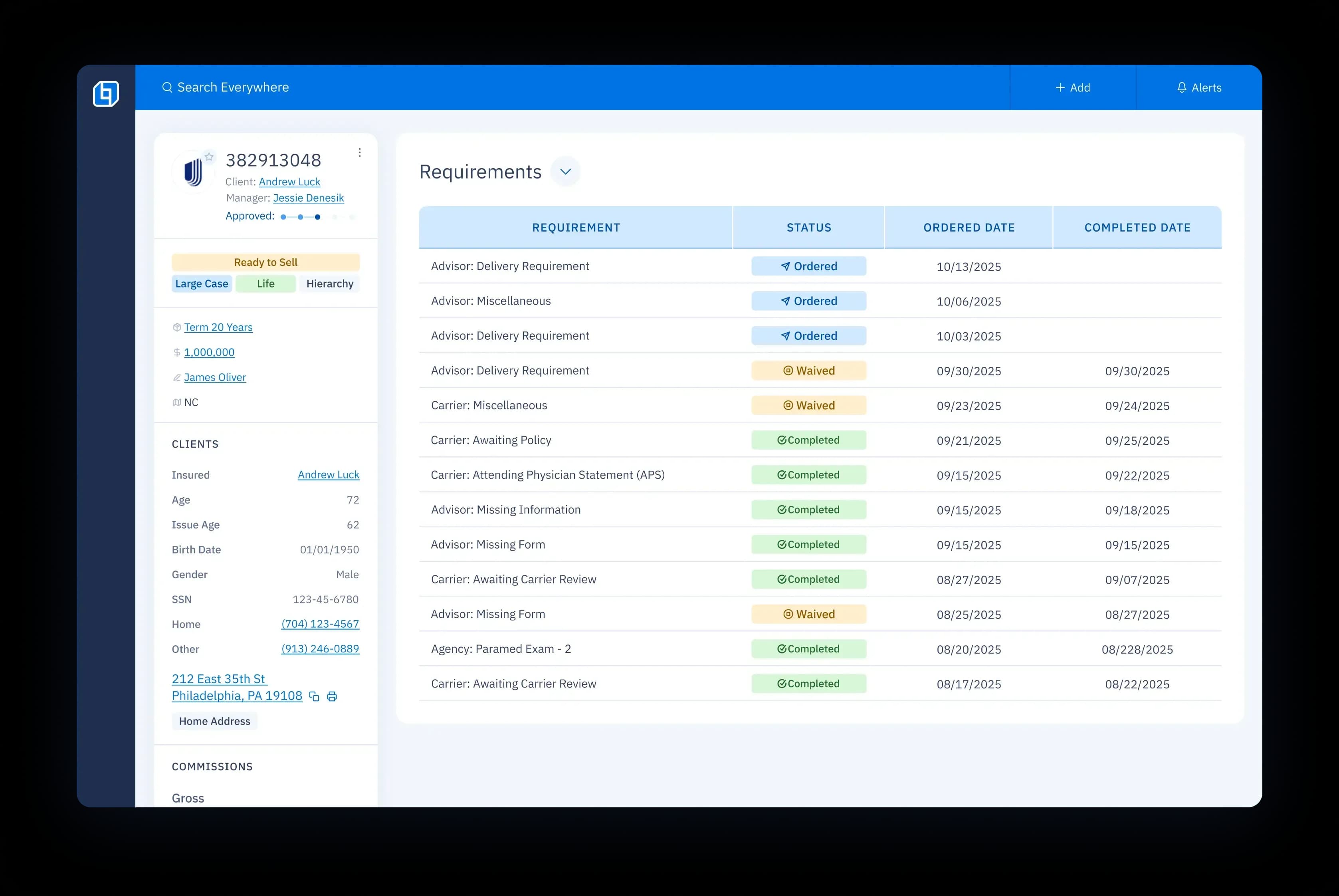
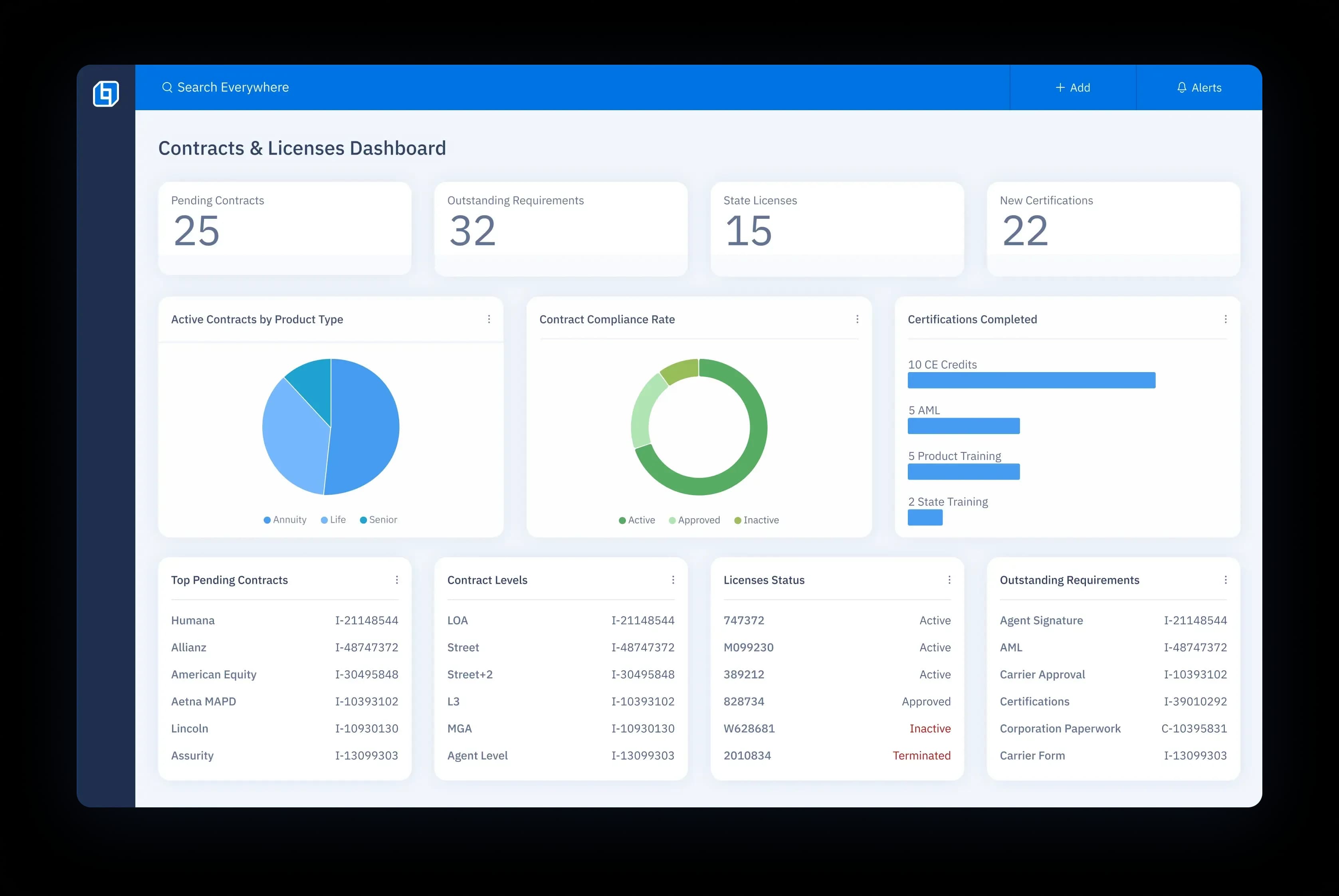
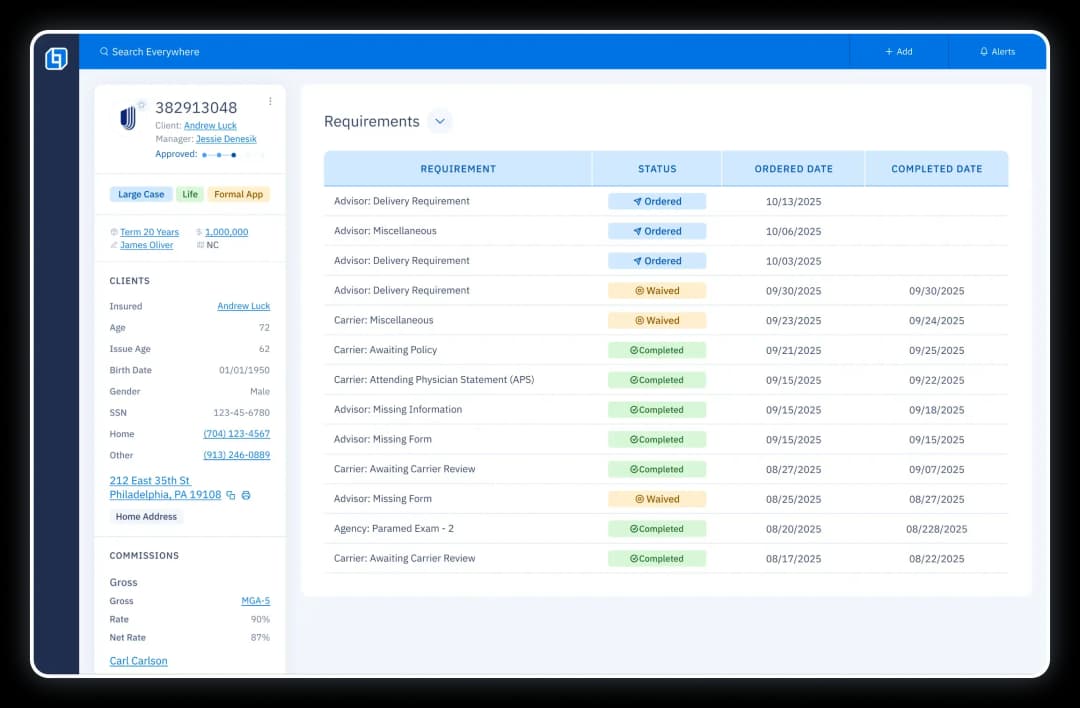
Distribution management dashboard with a Kanban view of case statuses from opportunities to issued policies.UI screen showing case details on the left and a list of all case requirements and their statuses on the right.Contracting & licensing dashboard with charts for active contracts, compliance, certifications, pending contracts, and licenses.
Pending Dash

Burnt out by...

Not having everything you need at your fingertips?
Busy work that could be automated?
Never ending questions and service requests?
Tooltips Mobile
Tooltips Mobile

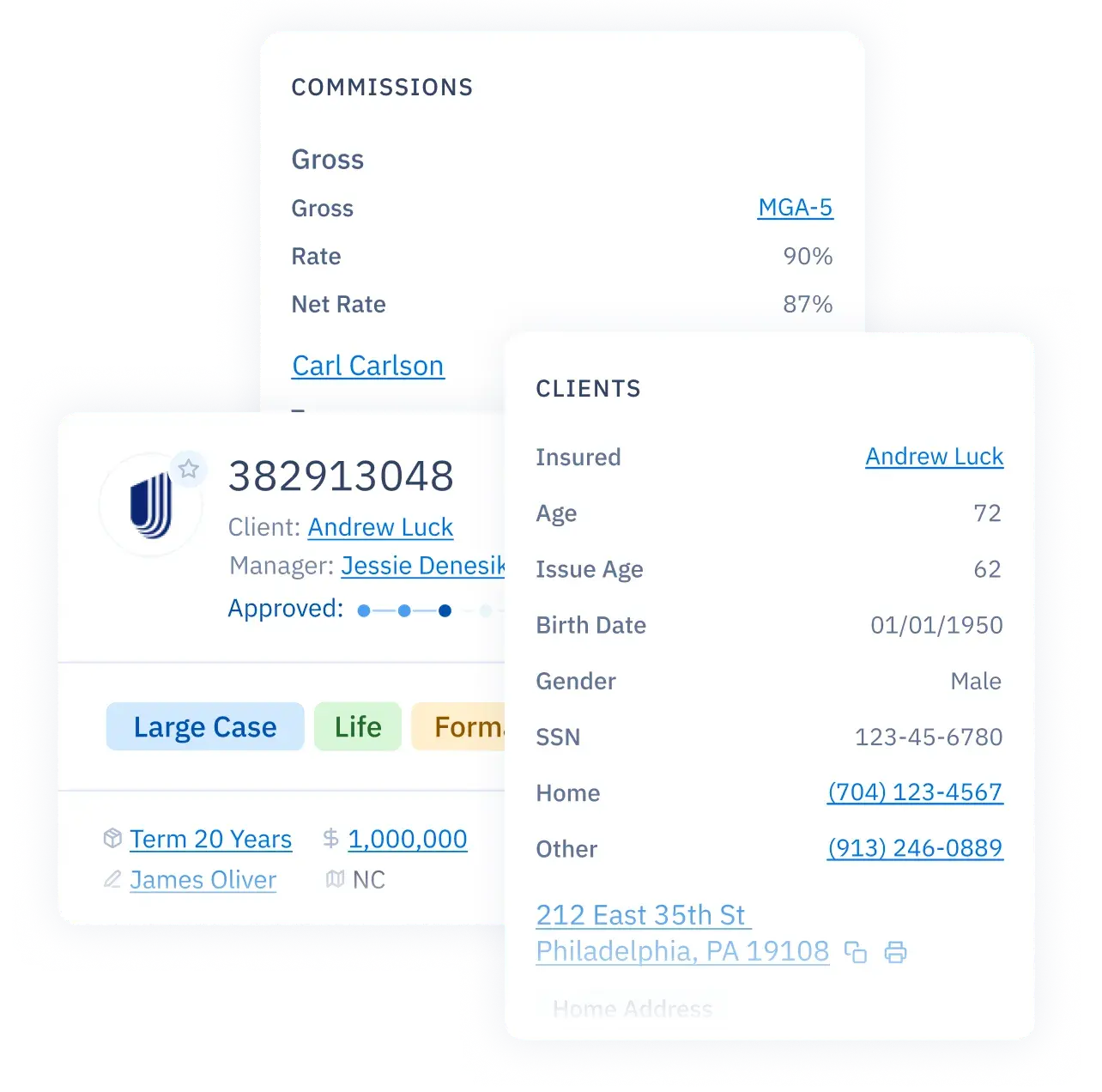
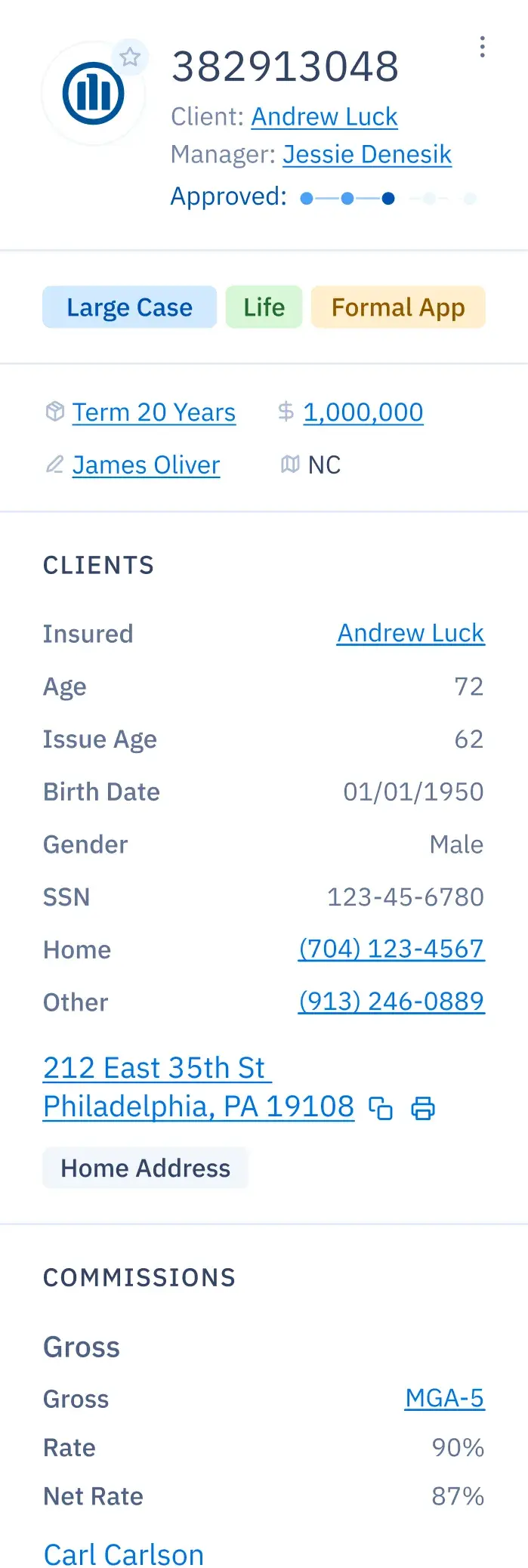
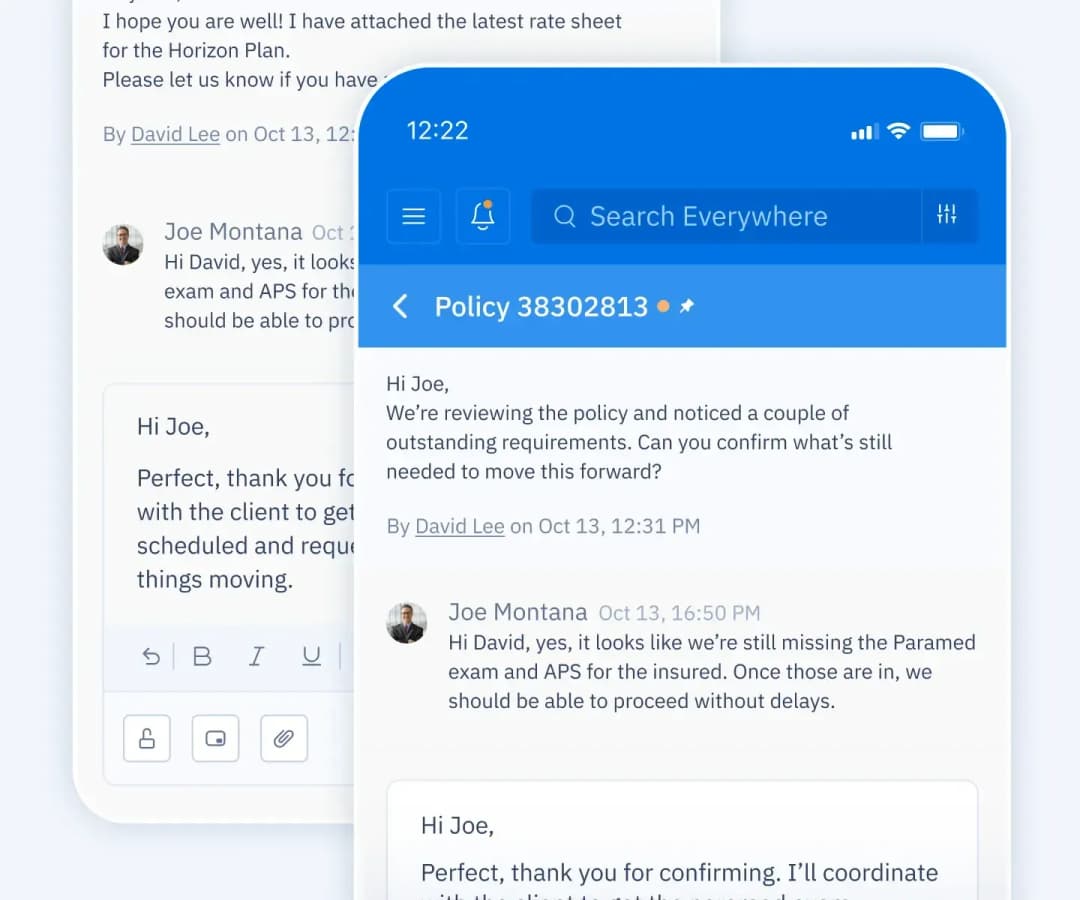
View all important case details.

View all important case details.

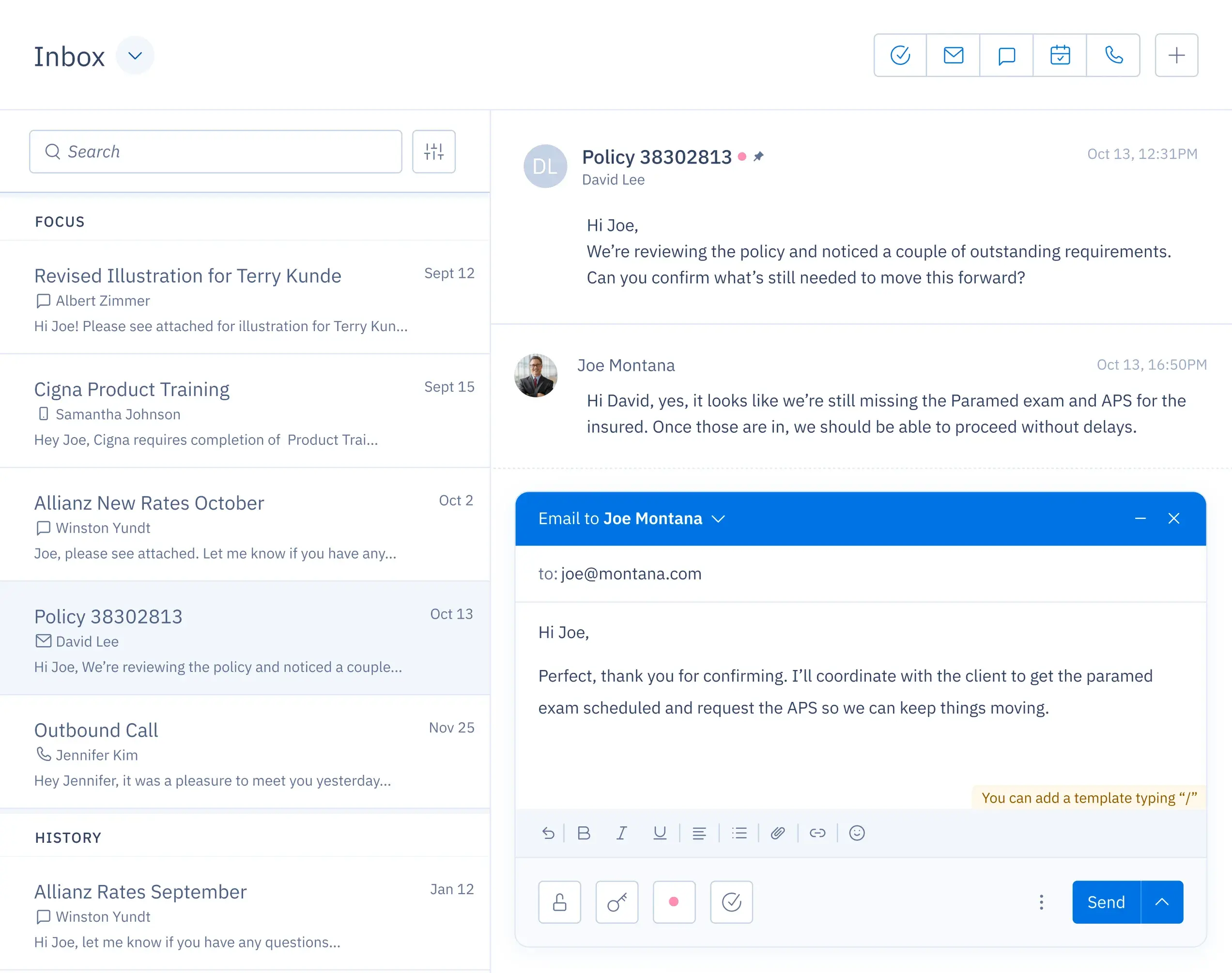
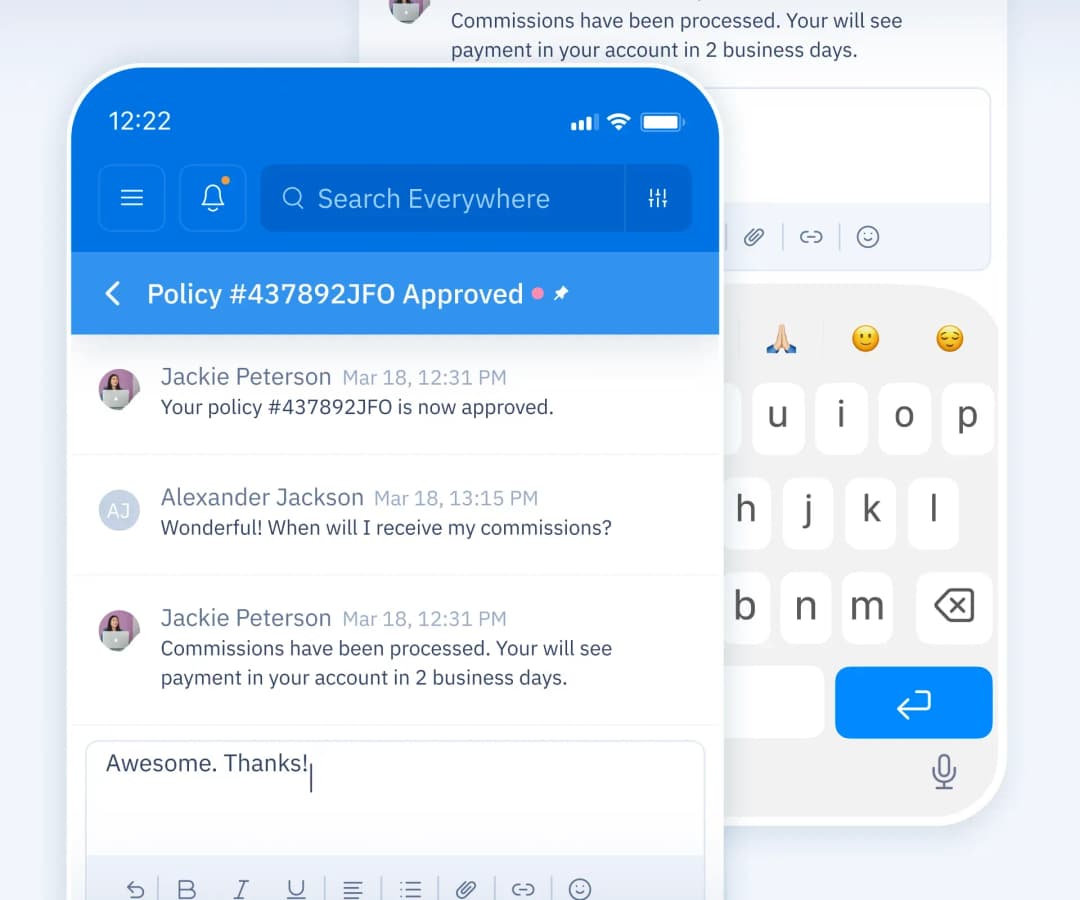
Document all case notes, follow-ups and communication.
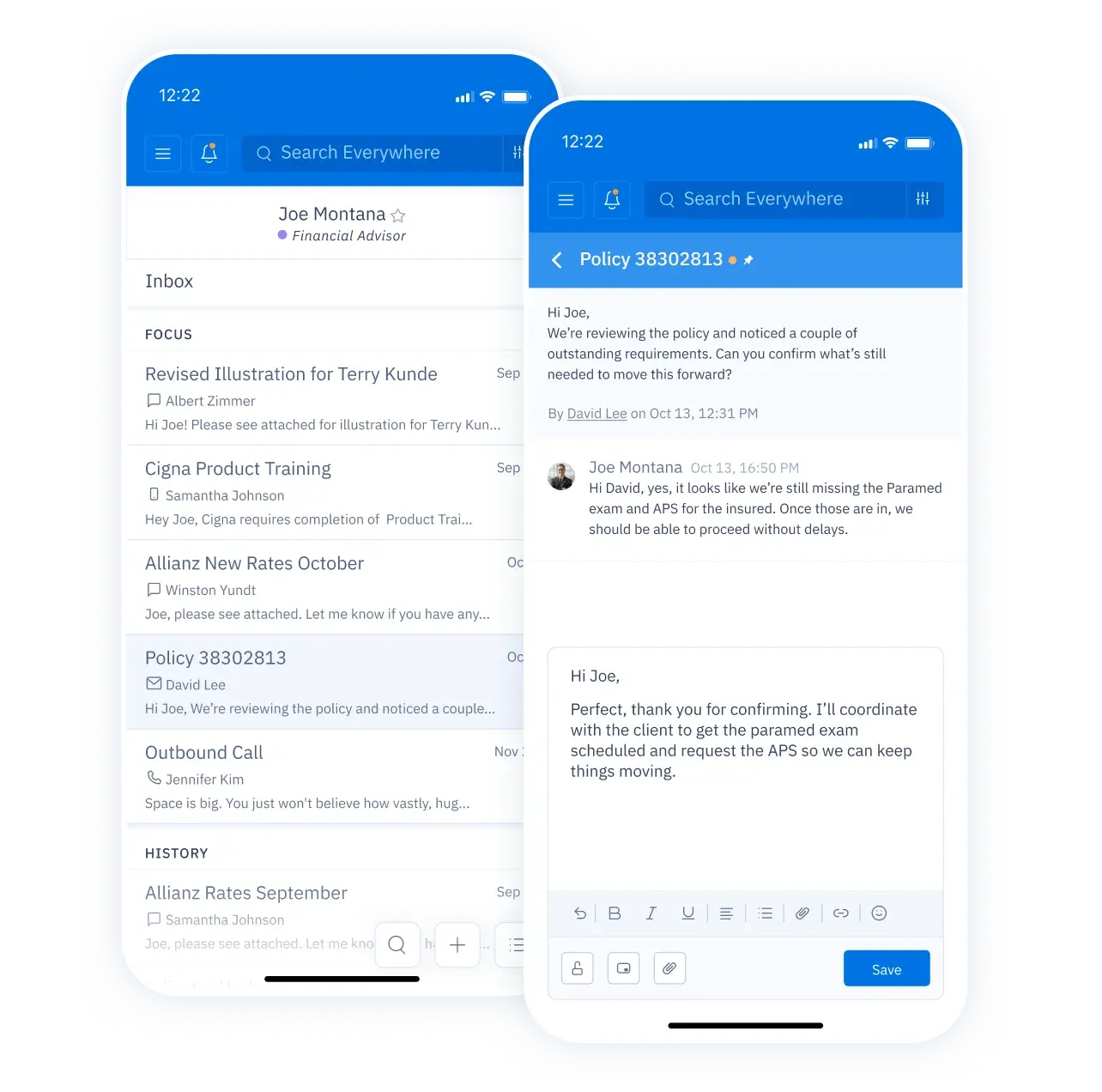
Document all case notes, follow-ups and communication.

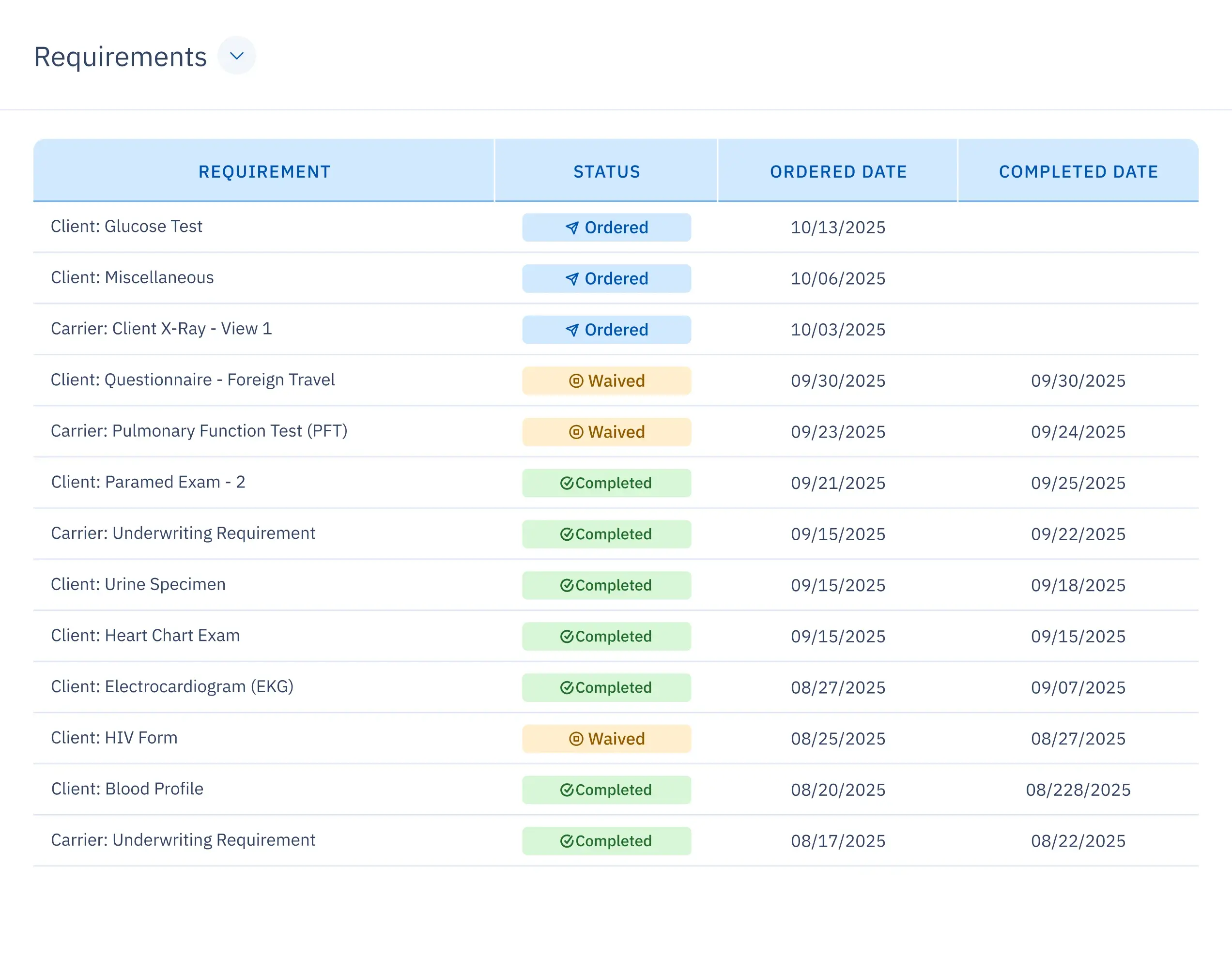
Track all case requirements.
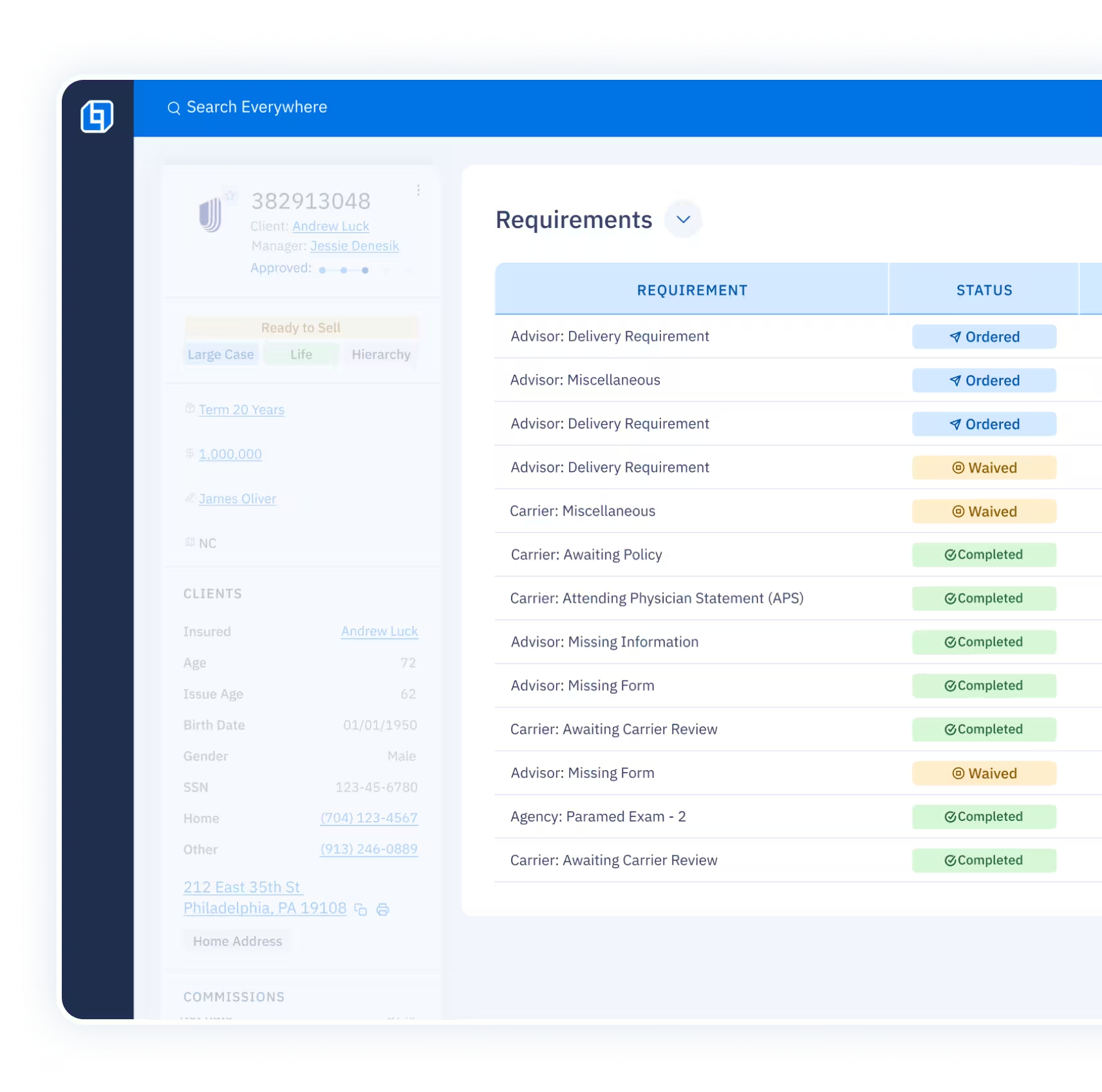
Track all case requirements.

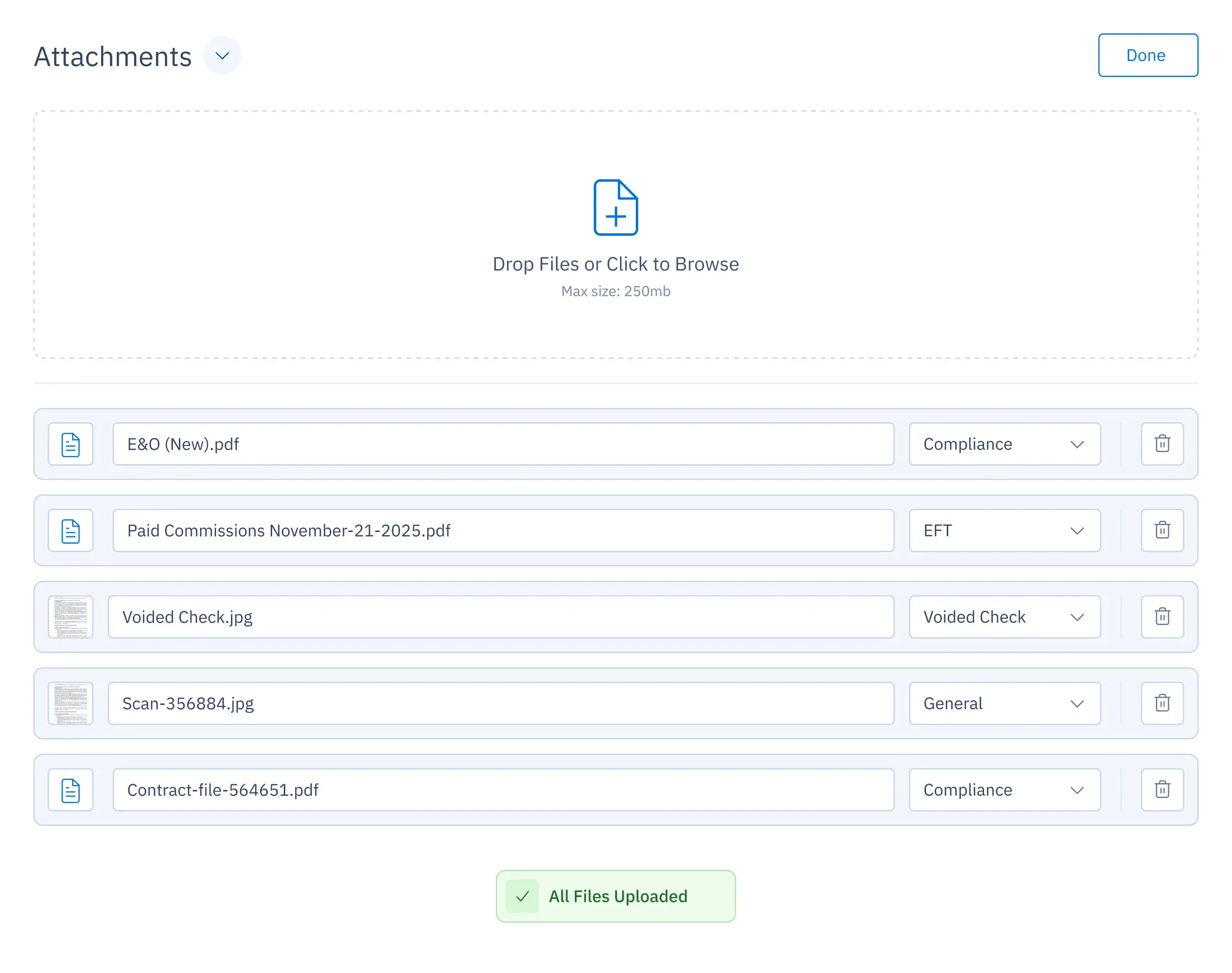
Attach all case files.
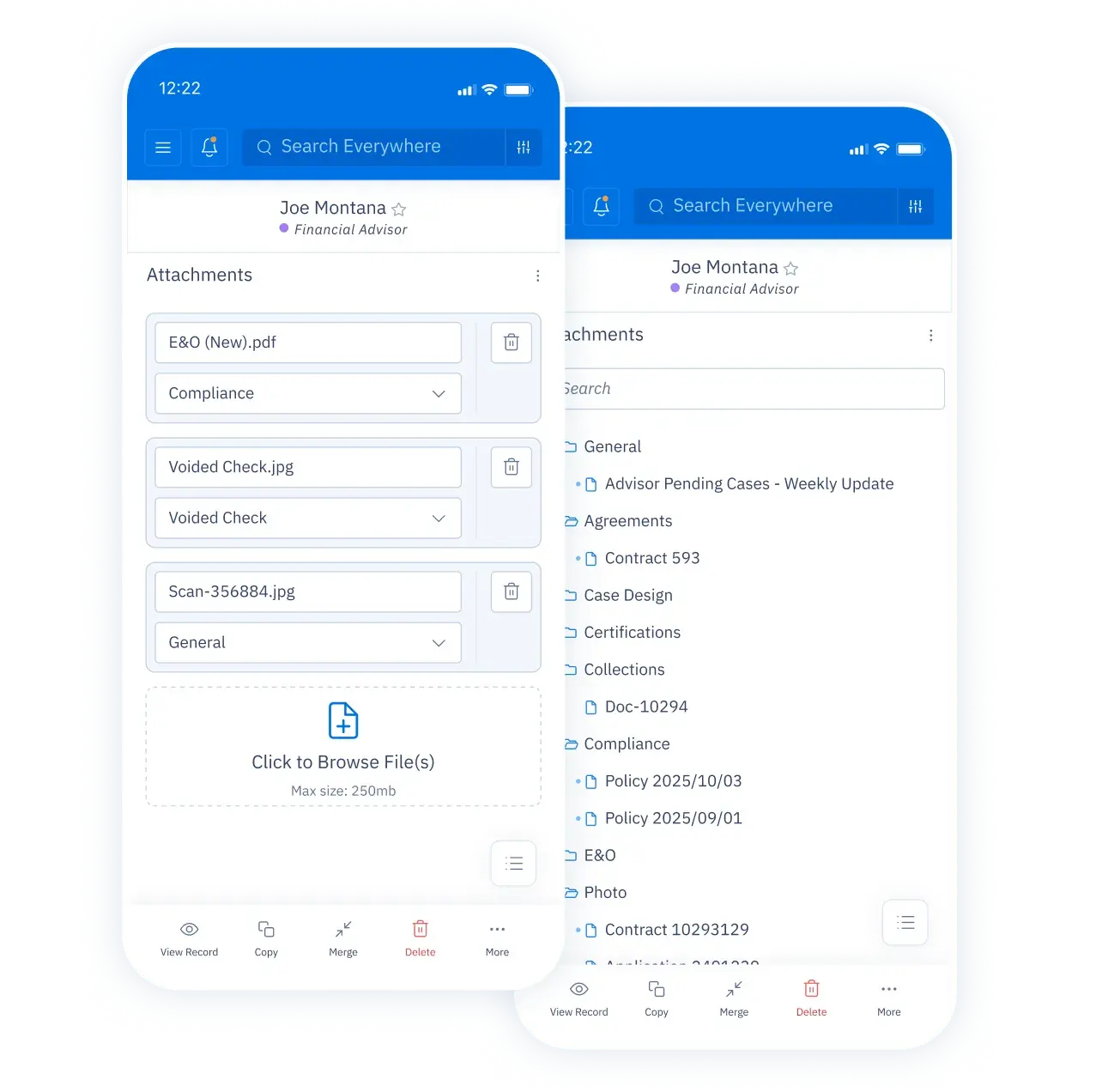
Attach all case files.

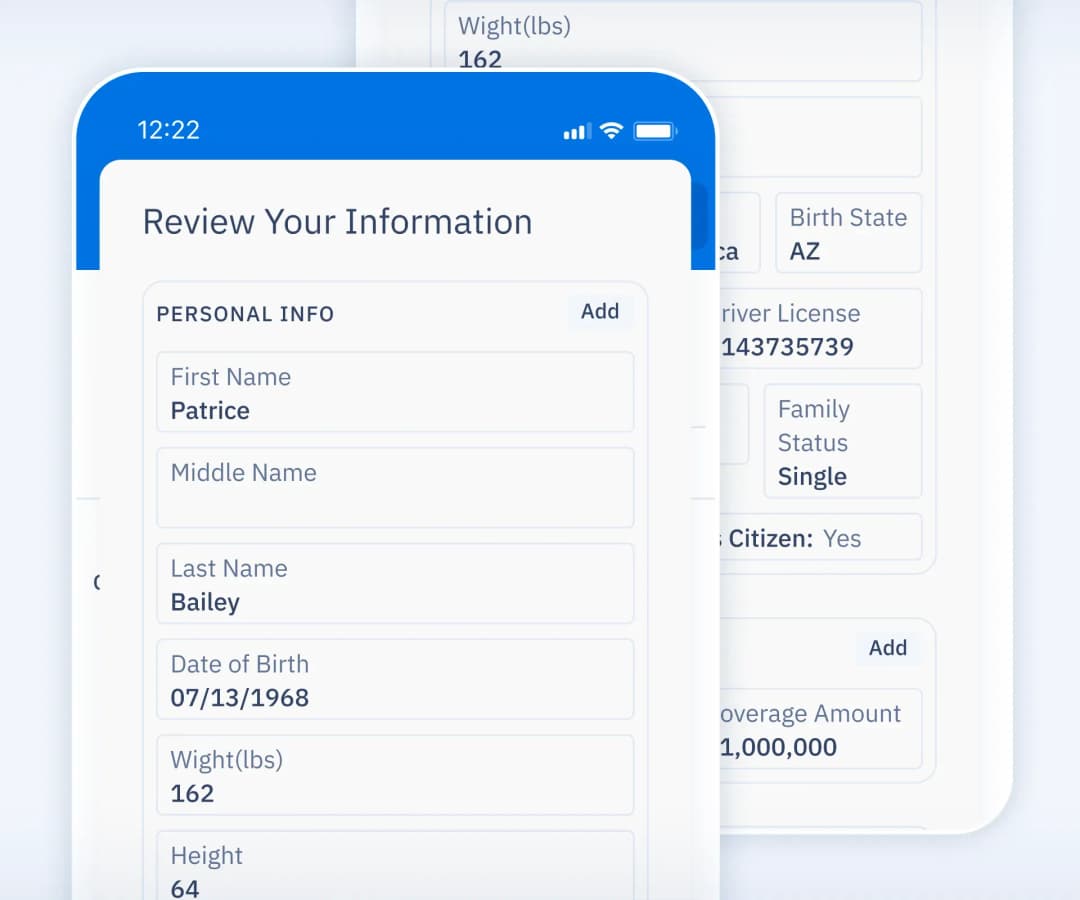
All case details in one place.
Dashboard-1
UI screen of a case profile showing status, client info, commissions breakdown, and additional details of a specific case.UI screen with case details on the left and communications about the case on the right.
UI screen of a case profile showing status, client info, commissions breakdown, and additional details of a specific case.UI screen showing all case discussions, including notes, follow-ups, and documented communication for a specific case.
UI screen of a case profile showing status, client info, commissions breakdown, and additional details of a specific case.UI screen showing case requirements with status, order date, and last follow-up date.
background

Drop the busy work.

Automate app data entry.

backgroundbackgroundbackgroundbackground

Integrate with external platforms to update cases.

backgroundbackgroundbackgroundbackground

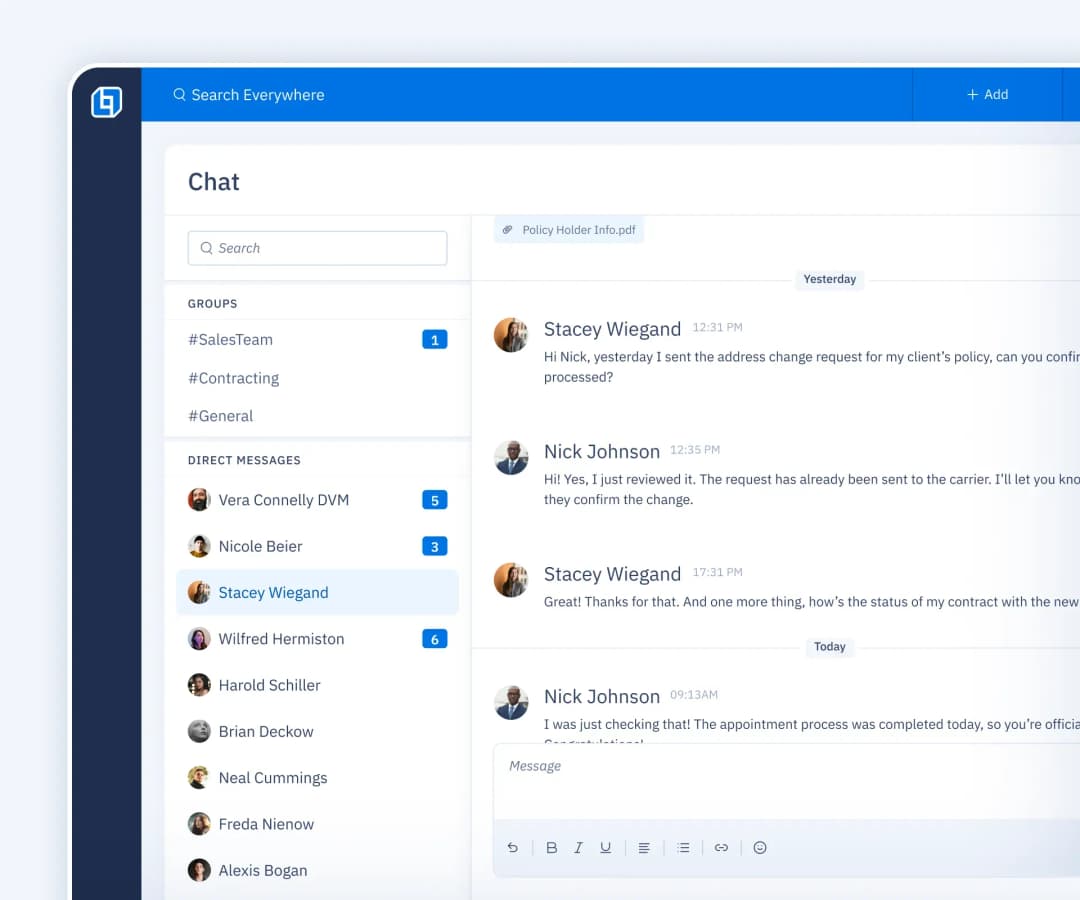
Sync all communication.

backgroundbackgroundbackground

From submission to commission.

Standardize your processes so your team follows one clear workflow, and every agent receives the same professional service every time.

cuadricula
TALK TO SALES

500+ integrations to automate the busy work.
Floating logos of some of our popular integrations, including Sunfire, Vive, Google Drive, Google Sheets, Hubspot, and more.

Stay on track.

Follow-ups

Never lose sight of what you need to do next.
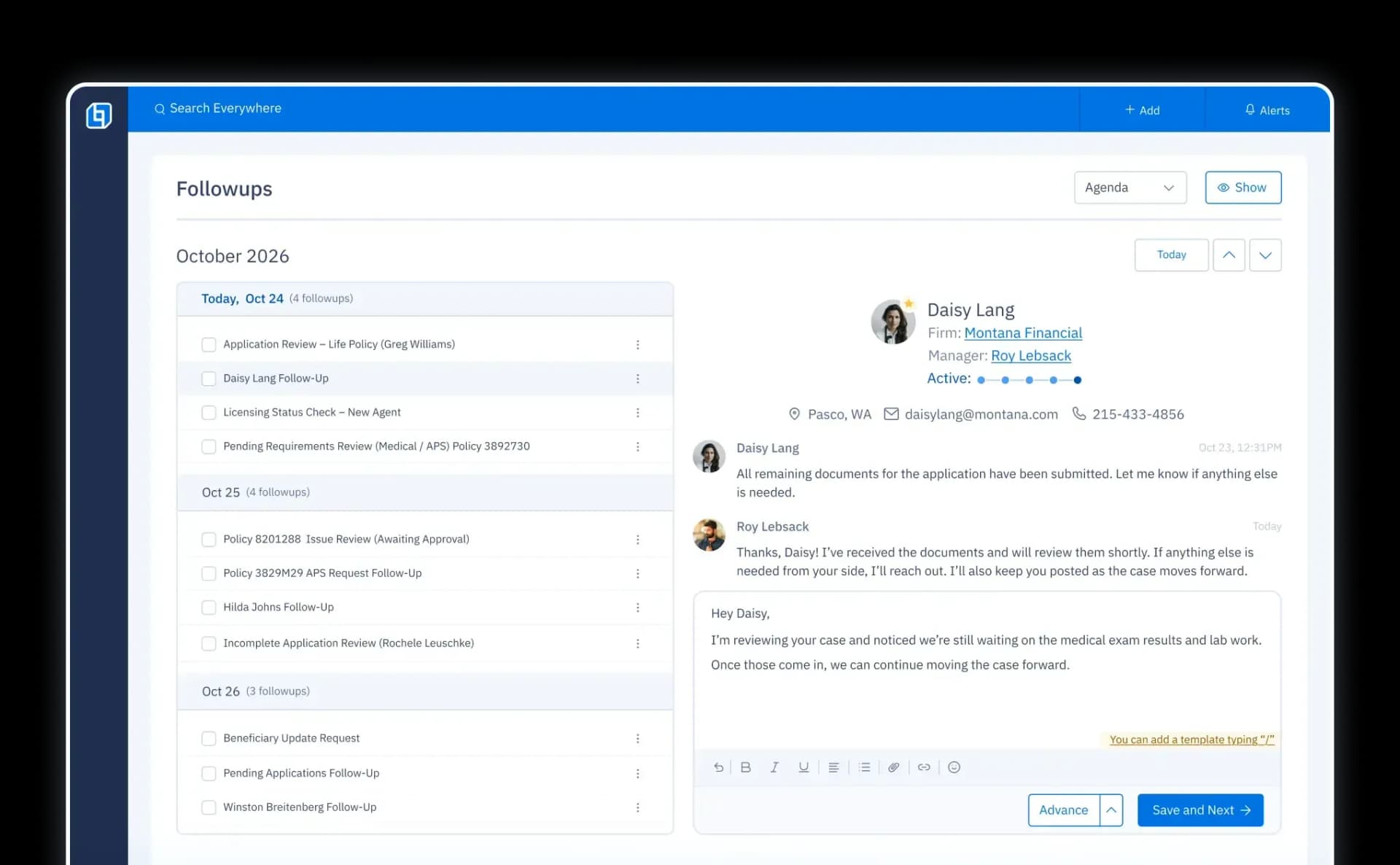
Follow-ups UI with a checklist of agents by date, plus chat for direct follow-ups.

Calendar

Organize your workload to stay on top of your day and avoid stress.
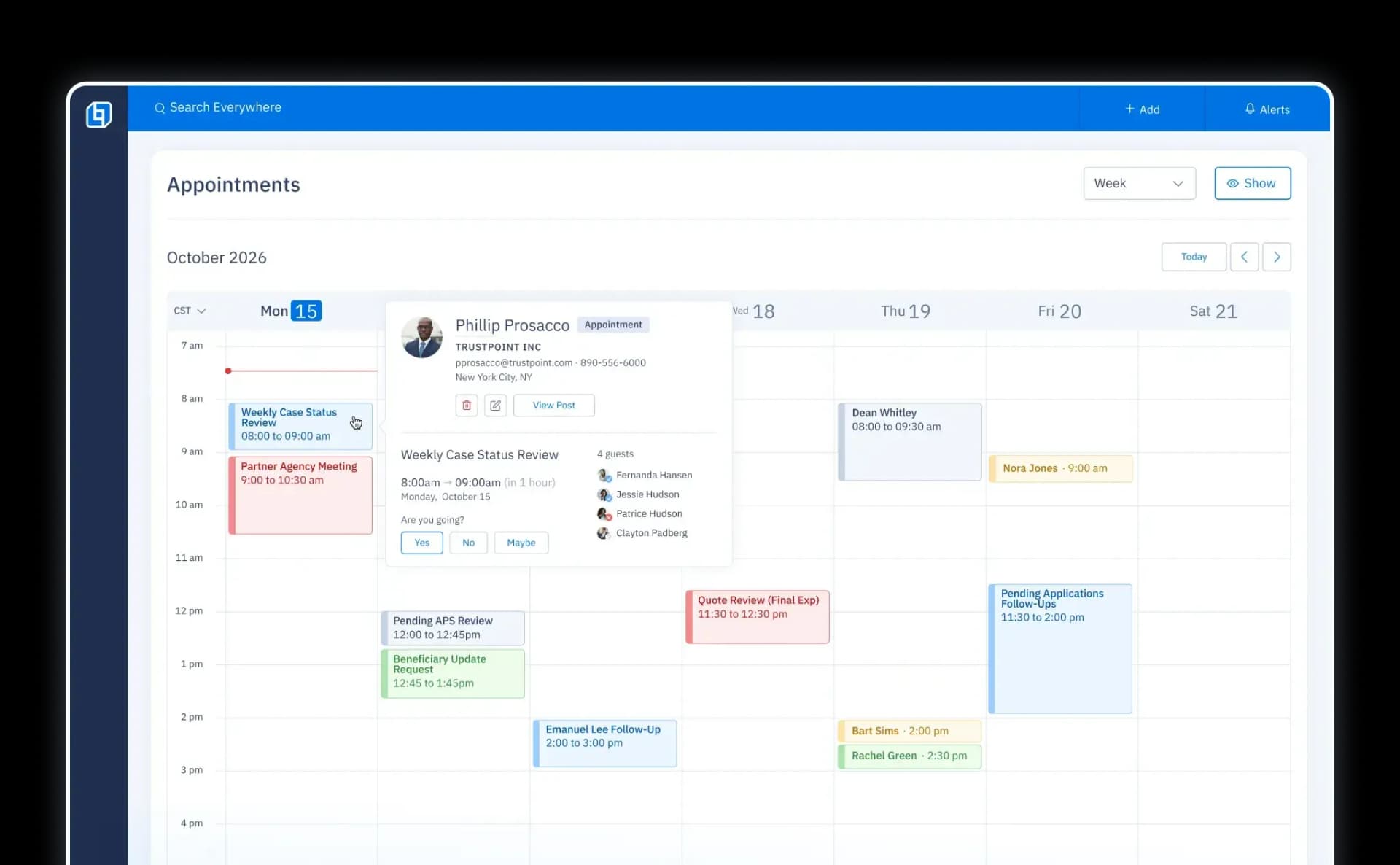
Calendar UI showing case manager activities scheduled for a specific week.

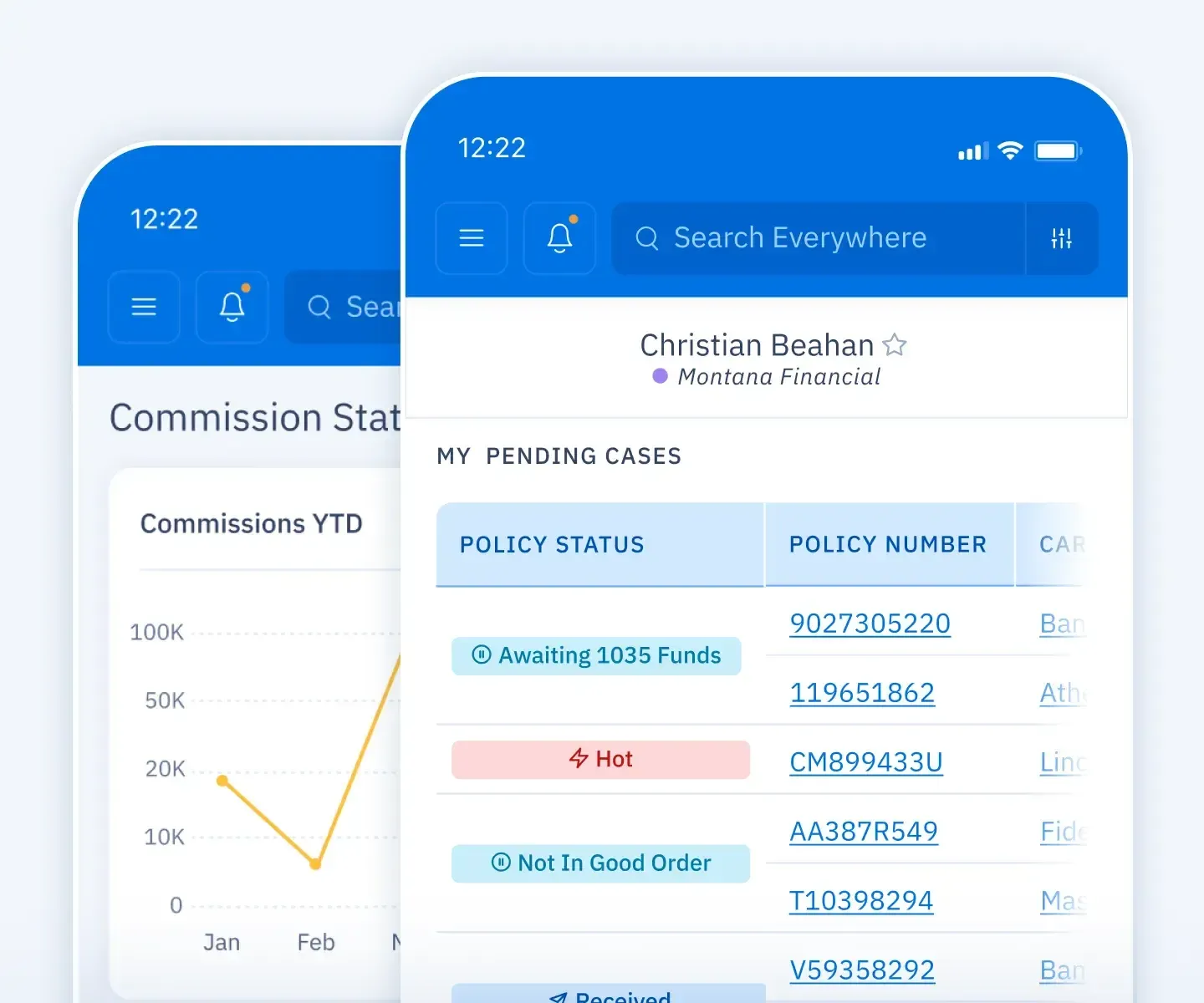
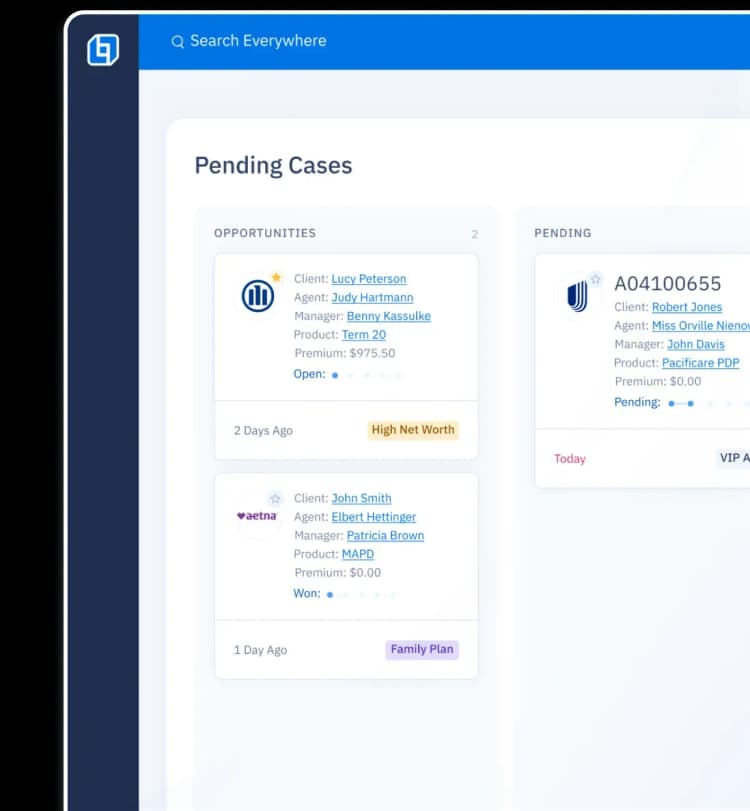
Pending Cases

Know where you stand with pending cases and monitor cycle times.
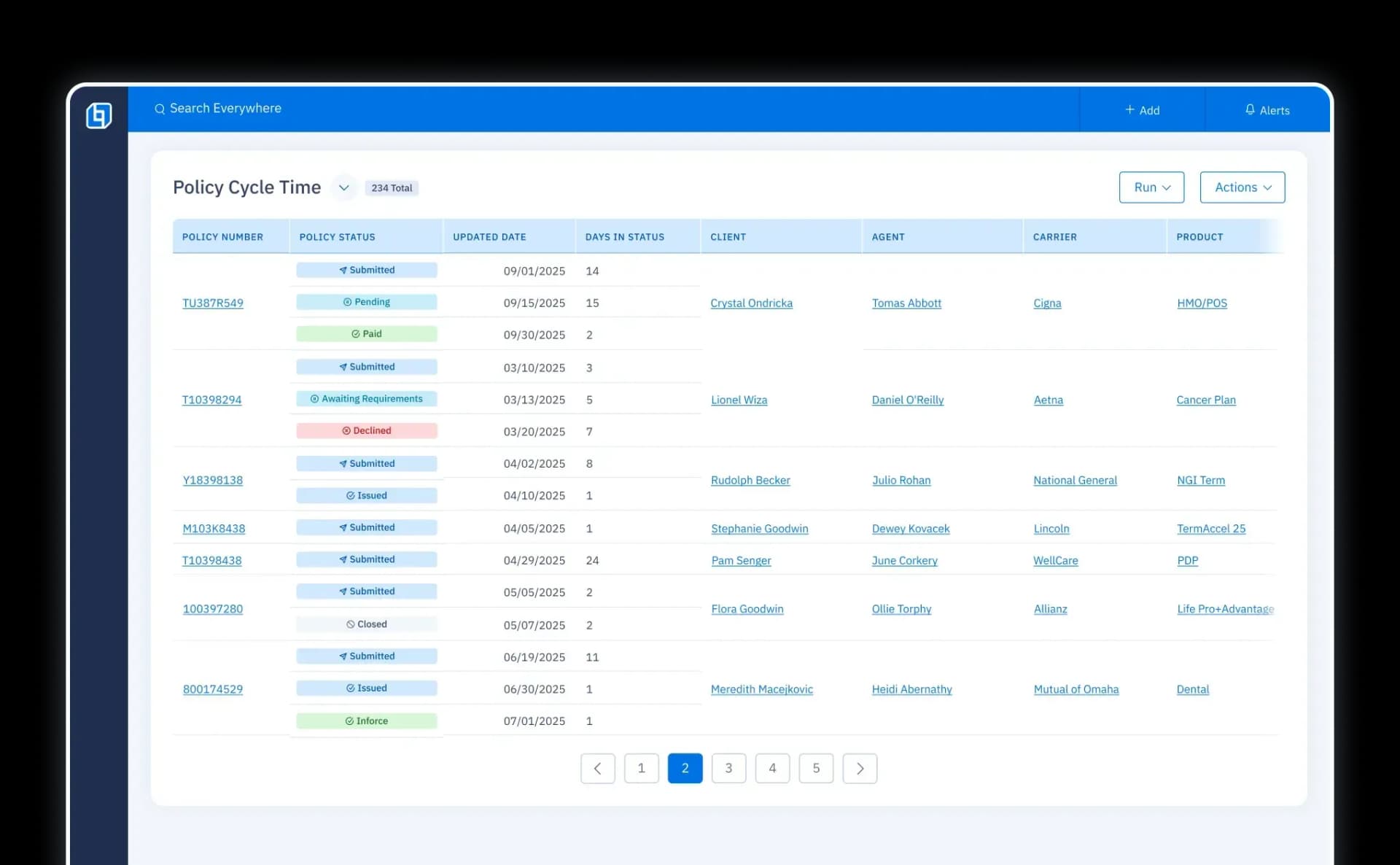
UI screen listing pending cases with policy number, client, carrier, product, agents, manager, state, status, and premium.
Background

Insuritect

“OneHQ really helps my sales team stay on task and get the follow ups that they need to get a prospect to cross the finish line.”

Justin Snapp | CEO
shape

Simplify agent communication.

Catch commissions mistakes and avoid costly errors.

DISCOVER ICM
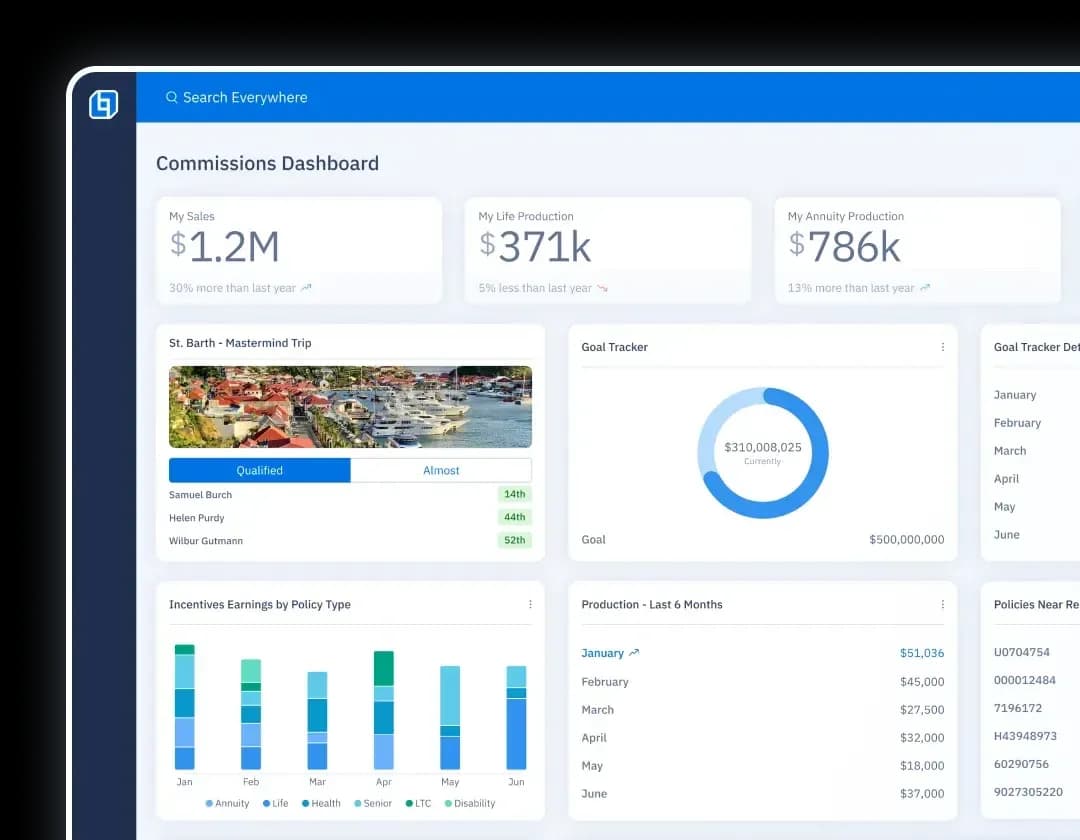
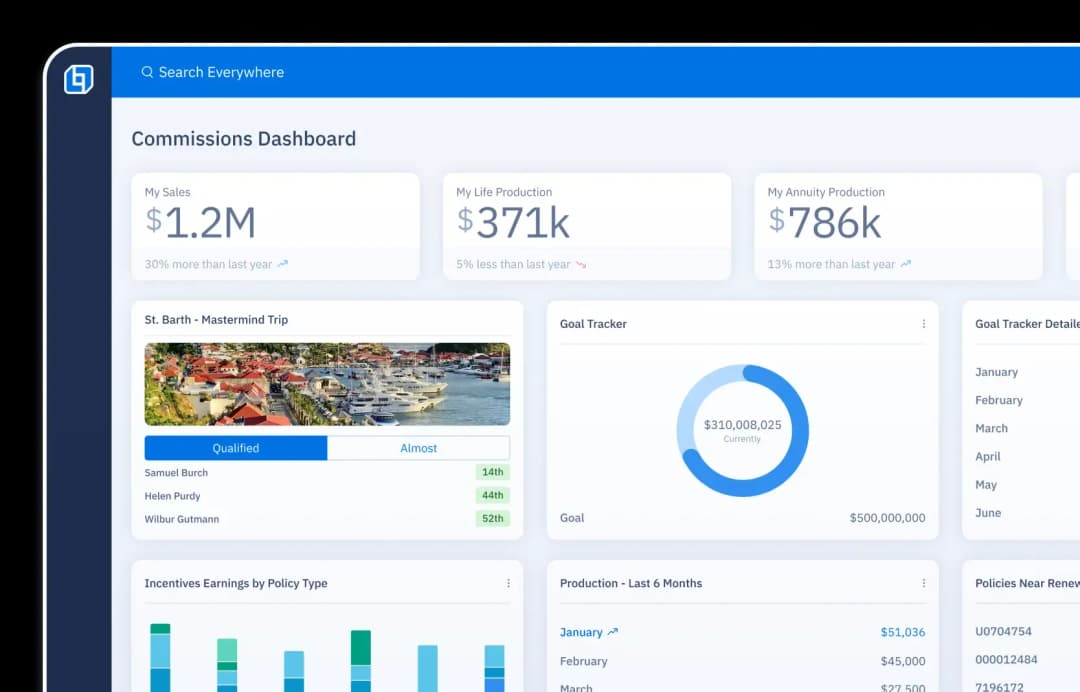
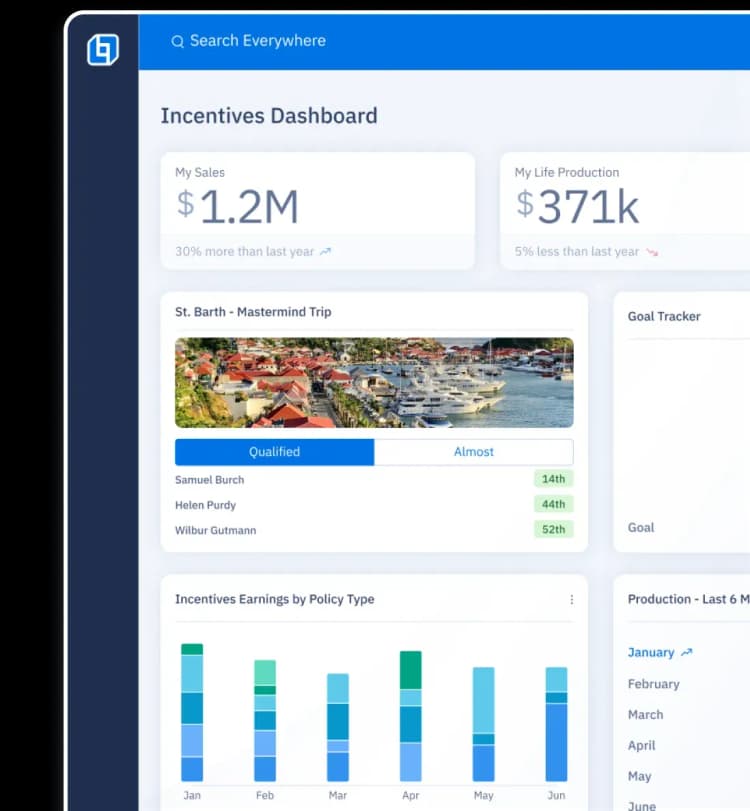
Commissions dashboard UI showing sales, life and annuity production, incentives, and goal progress.Commissions dashboard UI showing sales, life and annuity production, incentives, and goal progress.

Reports & Dashboards

Data that works for you (for a change).
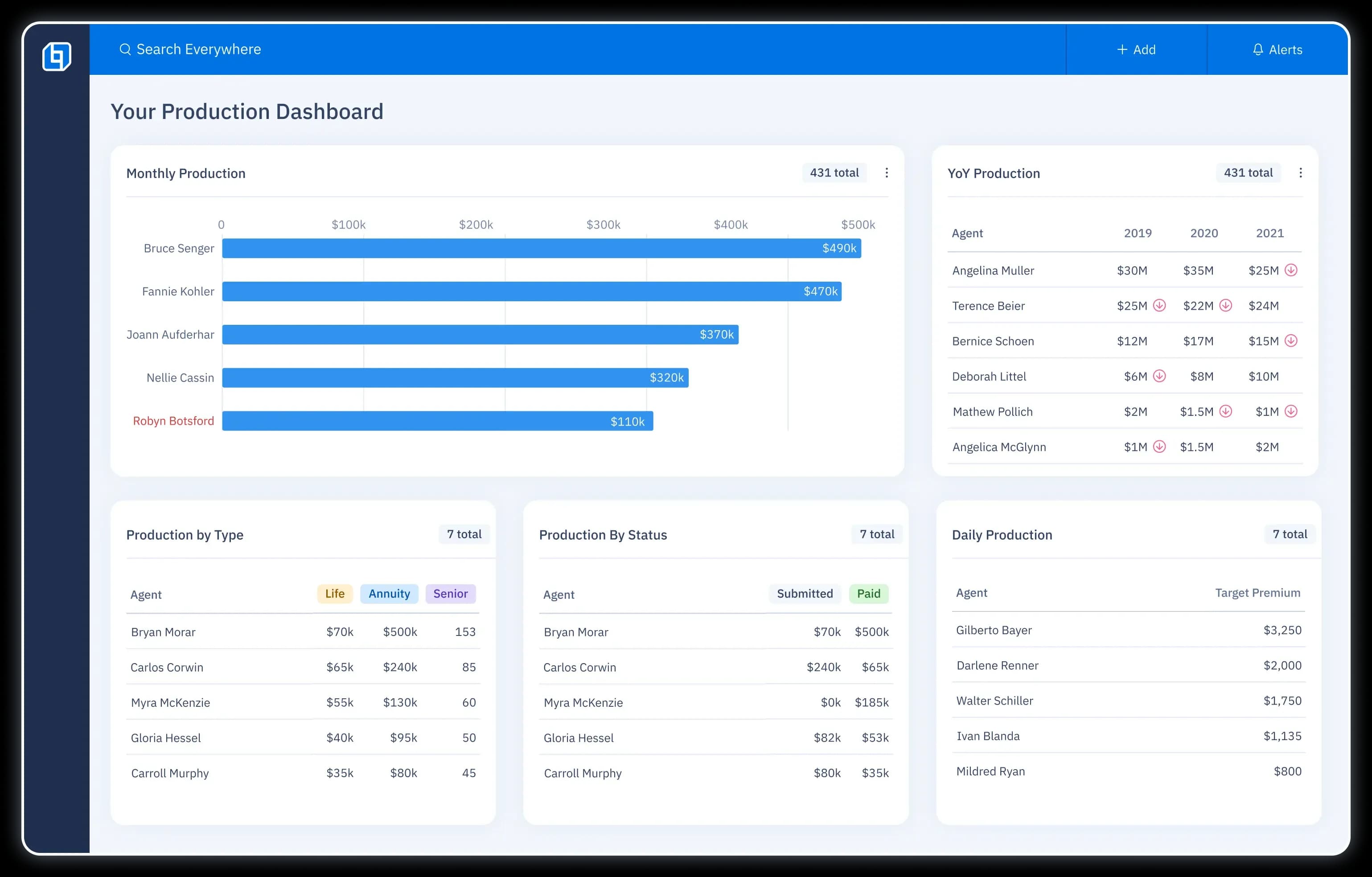
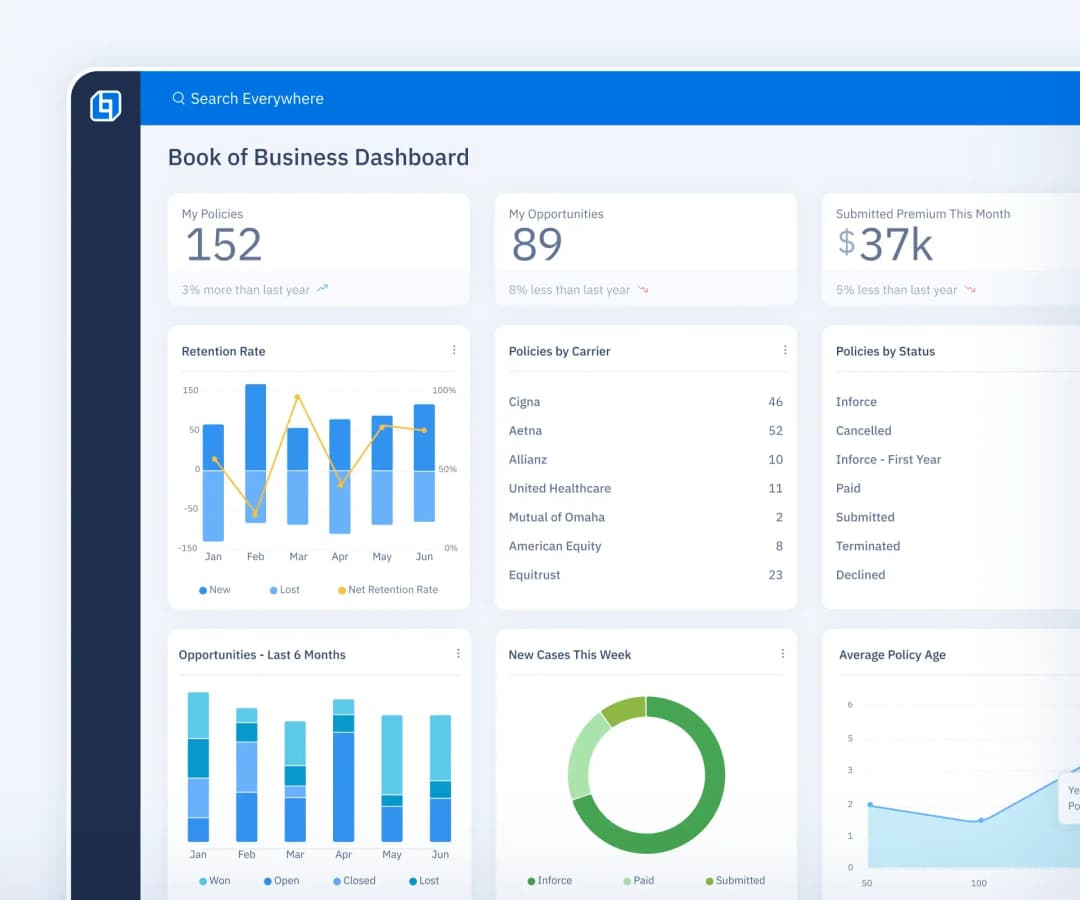
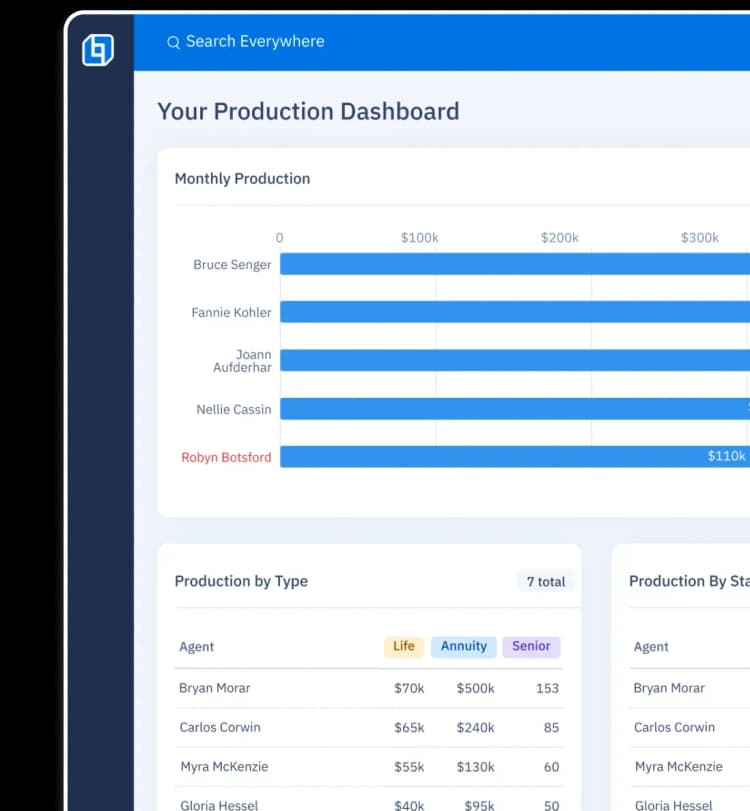
Distribution management dashboard displaying monthly, YoY, type, status, and daily production with bar charts and lists.
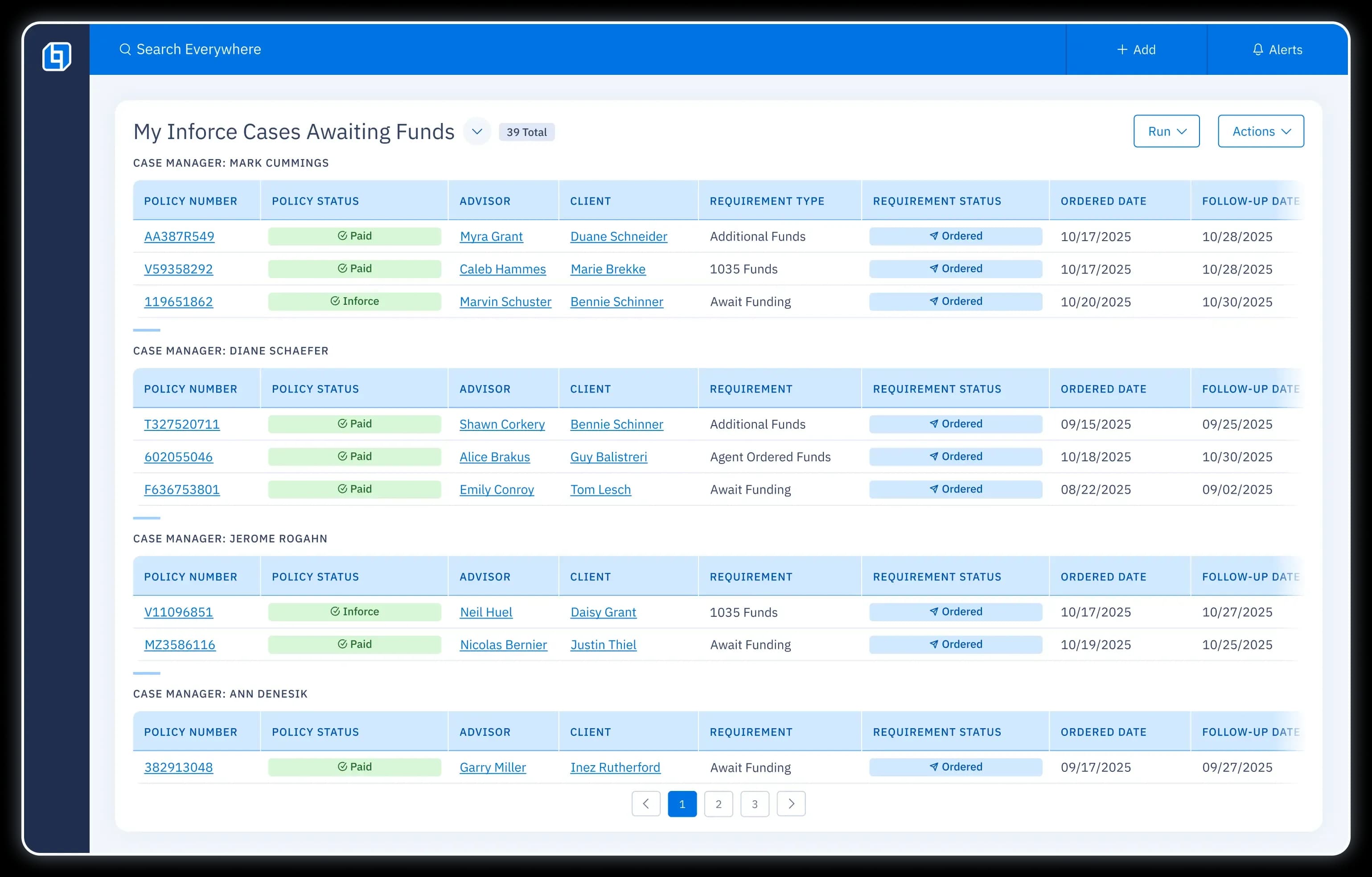
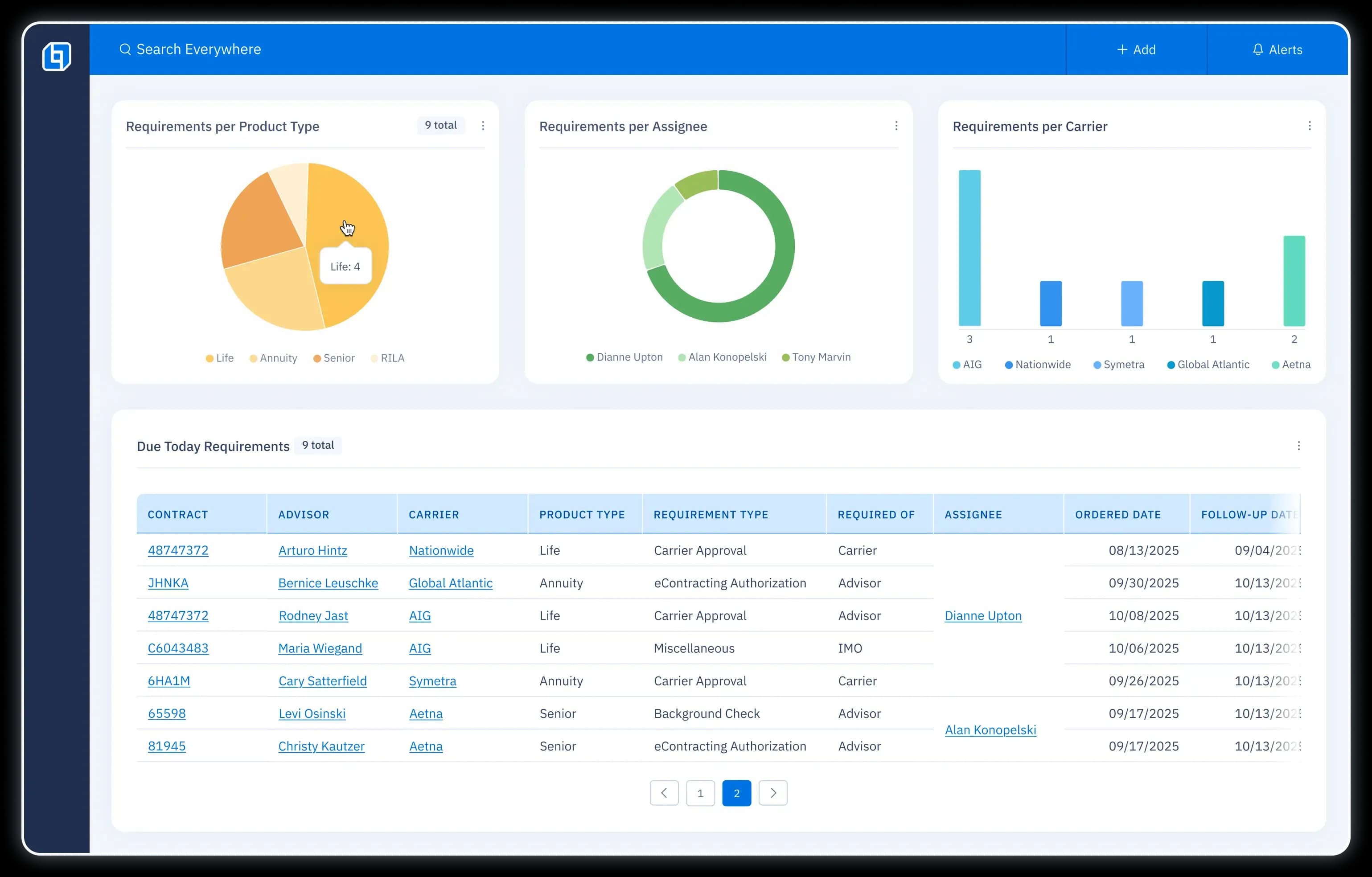
UI screen listing Inforce Cases Awaiting Funds by case manager, including columns for policy number, status, advisor, client, requirements, ordered date, and follow up date.
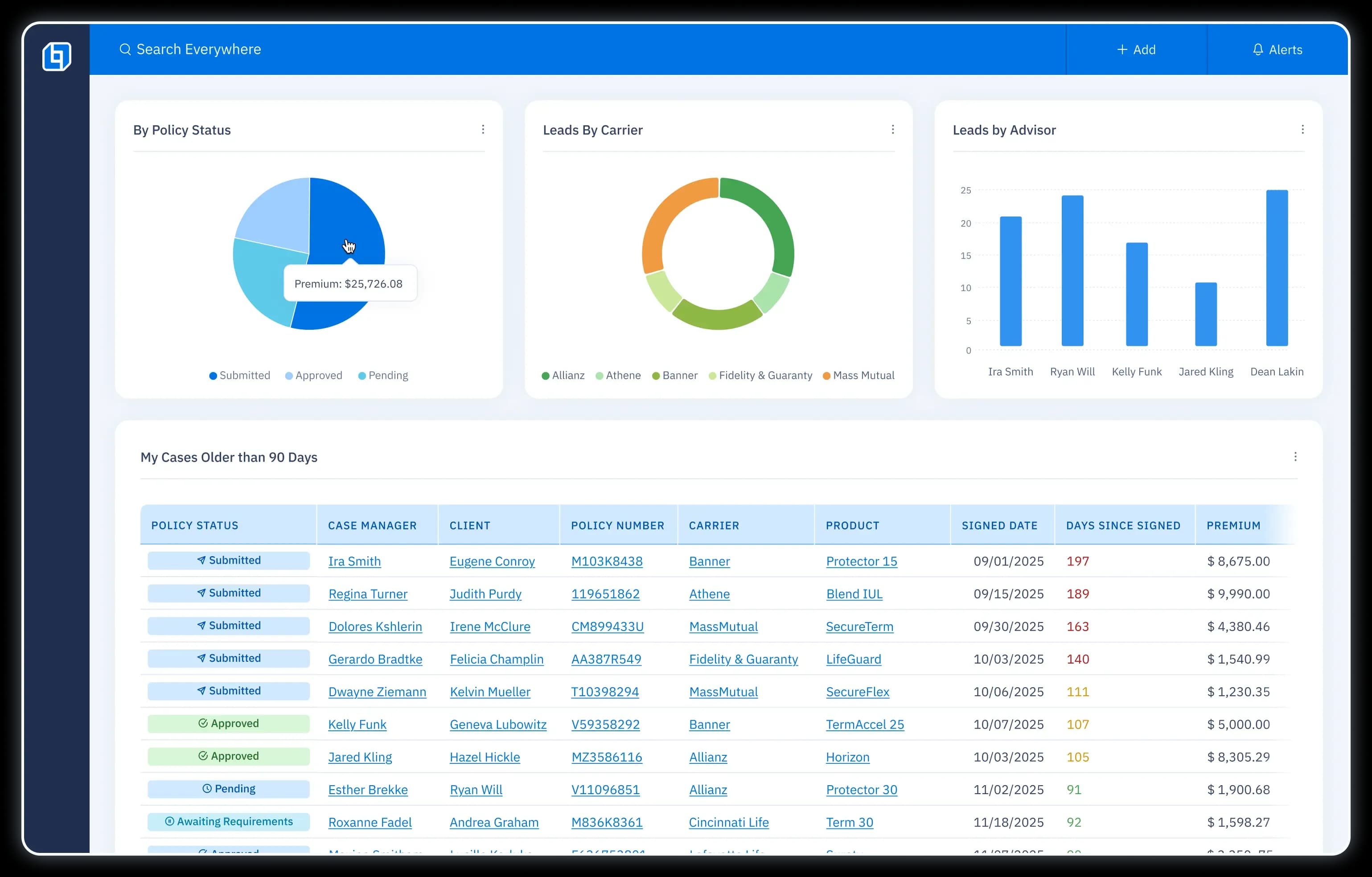
UI screen displaying a pie chart of old cases broken down by policy status (submitted, approved, pending) and a list of cases older than 90 days, including amount of days since signed.
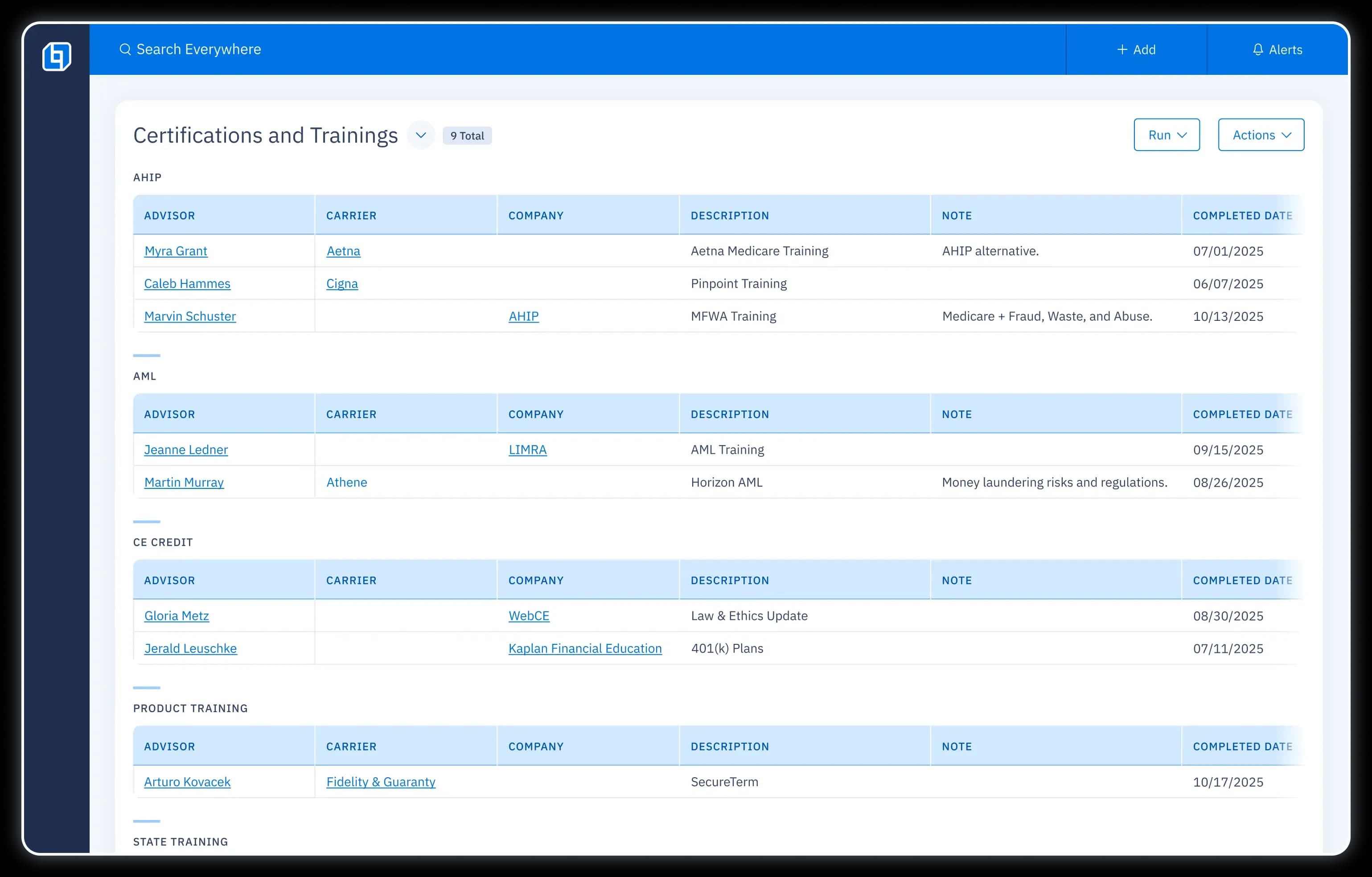
UI screen listing certifications and training of advisors, including columns for carrier, company, completed date, and more details.
CRM dashboard showing firm production with charts for yearly premium, policy counts by status and carrier.
Distribution management dashboard displaying monthly, YoY, type, status, and daily production with bar charts and lists.
UI screen listing Inforce Cases Awaiting Funds by case manager, including columns for policy number, status, advisor, client, requirements, ordered date, and follow up date.
UI screen displaying a pie chart of old cases broken down by policy status (submitted, approved, pending) and a list of cases older than 90 days, including amount of days since signed.
UI screen listing certifications and training of advisors, including columns for carrier, company, completed date, and more details.
CRM dashboard showing firm production with charts for yearly premium, policy counts by status and carrier.
Distribution management dashboard displaying monthly, YoY, type, status, and daily production with bar charts and lists.
UI screen listing Inforce Cases Awaiting Funds by case manager, including columns for policy number, status, advisor, client, requirements, ordered date, and follow up date.
UI screen displaying a pie chart of old cases broken down by policy status (submitted, approved, pending) and a list of cases older than 90 days, including amount of days since signed.
UI screen listing certifications and training of advisors, including columns for carrier, company, completed date, and more details.
CRM dashboard showing firm production with charts for yearly premium, policy counts by status and carrier.

All-in-one platform for Insurance Distribution.

Launch Plan

Ready to take off? Discover how our proven 3-step process will equip you with the tools, training and ongoing partnership to drive success from day one.
Illustration of a rocket blueprint with the OneHQ logo.Illustration of a rocket blueprint with the OneHQ logo.

Questions? Answers.

What products do you offer?
What is your DMS?
How can OneHQ streamline data and simplify operations?
How can OneHQ's reporting feature help me gain insight into my operations?
How can OneHQ help me analyze agent profitability?
SEE ALL FAQS
Reduce busy work and help more clients.
Our technology is the key to unlocking more sales and providing professional service.